


Olivia’s team had grown fast, too fast. What started as a five-member product squad was now a bustling Agile team of twenty. But every sprint review exposed the same problem: inconsistent skills, knowledge gaps, and repeated onboarding issues. She just lacked a system to keep everyone on the same page.
She’s far from the only one facing this. Even back in 2019, before remote work took over, 44% of businesses were already planning to invest in online tools and systems to support learning, according to Training Magazine’s Industry Report. That number has only grown, and for good reason. When teams scale, processes shift — and a learning management system becomes the backbone for keeping everyone aligned, skilled, and ready to deliver.
Without a centralized system to manage learning, companies face inconsistent onboarding and missed development opportunities. It slows down entire sprints and stalls progress across teams.
In this blog, we’ll explain what a Learning Management System is, why it’s important for growing teams, and how to choose one that fits your team’s everyday learning needs.
What is a Learning Management System (LMS)?
A Learning Management System (LMS) is a digital platform that helps businesses create, deliver, track, and manage learning or training programs. Onboarding new hires, rolling out compliance training, or building custom upskilling paths are all handled within the LMS.
An LMS simplifies how learning happens. Rather than relying on fragmented tools like PDFs, video conferencing, and manual spreadsheets, teams can use a centralized system to manage courses, monitor progress, and evaluate performance efficiently. Some platforms are as lightweight as a shared folder with quizzes; others come packed with advanced features like automation, analytics, gamification, and even AI-powered recommendations.
In Agile environments where knowledge evolves sprint by sprint, having the best LMS for your business is a necessity.
And if you’re wondering, “What is an LMS that suits my team’s size and pace?”—don’t worry. We’ll get to that.
Benefits of using an LMS
Implementing a learning management system is about creating a more consistent way to build and retain skills across your team. Here’s how the best LMS solutions can support your business:
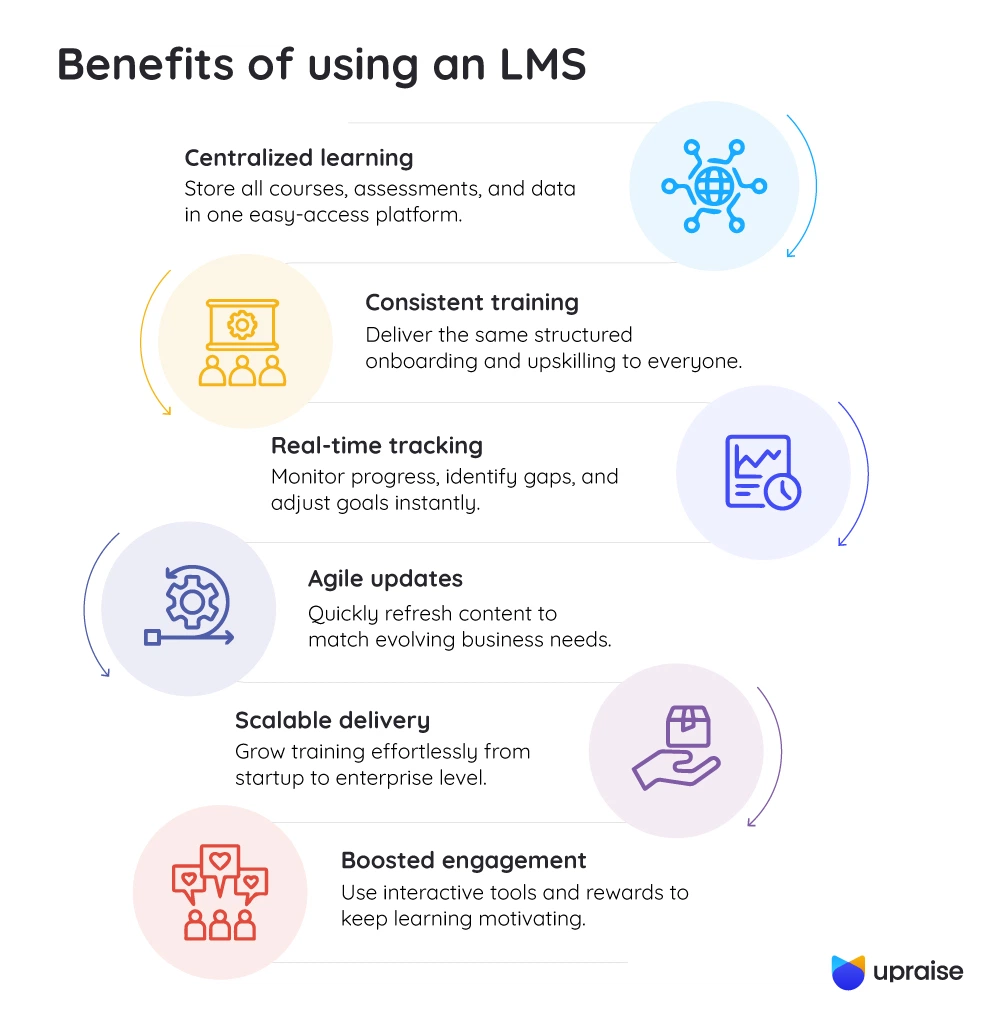
1. Centralized learning environment
It provides a single platform to store courses, assessments, and learner data, eliminating confusion and improving access.
2. Consistent onboarding and upskilling
Whether you’re training new hires or building advanced knowledge, the best LMS for business ensures everyone gets the same structured learning path.
3. Real-time progress tracking
With an LMS, managers can track who has completed what, spot knowledge gaps, and adjust learning goals in real time.
4. Supports Agile learning cycles
As sprint goals evolve, content can be updated just as quickly, keeping your team equipped with the right skills at the right time.
5. Scalable training delivery
The best LMS solutions grow with your team, offering flexibility for startups and enterprises alike, with no extra operational burden.
6. Improved employee engagement
Interactive modules, badges, and progress dashboards make learning more engaging; they encourage consistent participation, cultivate a sense of achievement, and help learners track their growth. This sense of ownership increases motivation and drives continuous skill development over time.
No matter the size of your business, the best LMS for your business makes learning more visible, measurable, and aligned with your goals.
Top Learning Management Systems for business
Below are some of the most trusted platforms used by businesses today, each offering distinct strengths, whether it’s ease of use for small teams, advanced analytics for enterprise needs, or seamless integration with tools like Jira and Slack.
1. UpRaise
Designed specifically for teams using Jira, UpRaise combines learning with performance management. Instead of switching platforms, users can access learning paths, track OKRs, and receive feedback directly within Jira. This makes it a strong choice for Agile organizations that value context-rich learning and real-time progress visibility. It’s especially useful for businesses focused on continuous improvement, where learning is tied directly to goals and outcomes.
2. TalentLMS
TalentLMS is simple, fast to deploy, and ideal for small to mid-sized teams. TalentLMS offers customizable course creation, built-in assessments, and reliable reporting with a clean interface.
3. Docebo
It is a feature-rich platform built for enterprise-level needs. Its AI-powered learning paths, strong analytics, and multilingual support are great for global teams.
4. 360Learning
360Learning is built for collaboration and designed for peer-to-peer learning. It allows subject matter experts to create and update content quickly, making it suitable for Agile squads that iterate often.
5. SAP Litmos
SAP Litmos is trusted by heavily regulated industries. It offers robust compliance training, mobile-friendly access, and security-first architecture.
6. Moodle
Moodle is a highly customizable and open-source LMS. Best for organizations with in-house development capabilities that need complete control over learning infrastructure.
How to choose the best LMS for your business or company
Every business has a different way of learning and growing, so it makes sense that not every LMS will work the same for everyone. Here’s how to narrow down the best LMS for your business needs:
1. Define your learning goals
Start with the “why.” Are you aiming to improve onboarding? Support continuous learning for Agile teams? Or roll out compliance training across locations? The clearer the goals, the easier it is to find a solution that supports them.
2. Consider your team size and structure
Some platforms scale beautifully for enterprise use. Others are better for small teams that need fast, flexible deployment. Choose a system that grows with you.
3. Check for integration options
The best LMS solutions connect easily with tools your team already uses — like Slack, Jira, or Google Workspace.
4. Evaluate the user experience (UX)
Clunky systems won’t get used. Test drive a demo and consider how intuitive the platform is for both learners and admins.
5. Look at analytics and reporting
A good LMS should help you measure knowledge retention, skill development, and training impact over time.
6. Set a realistic budget
Some platforms offer free plans or open-source models, while others come with per-user pricing. Weigh the cost against long-term value and support quality.
LMS features to look for
Here are the must-have capabilities to look for when choosing the best LMS for business needs:
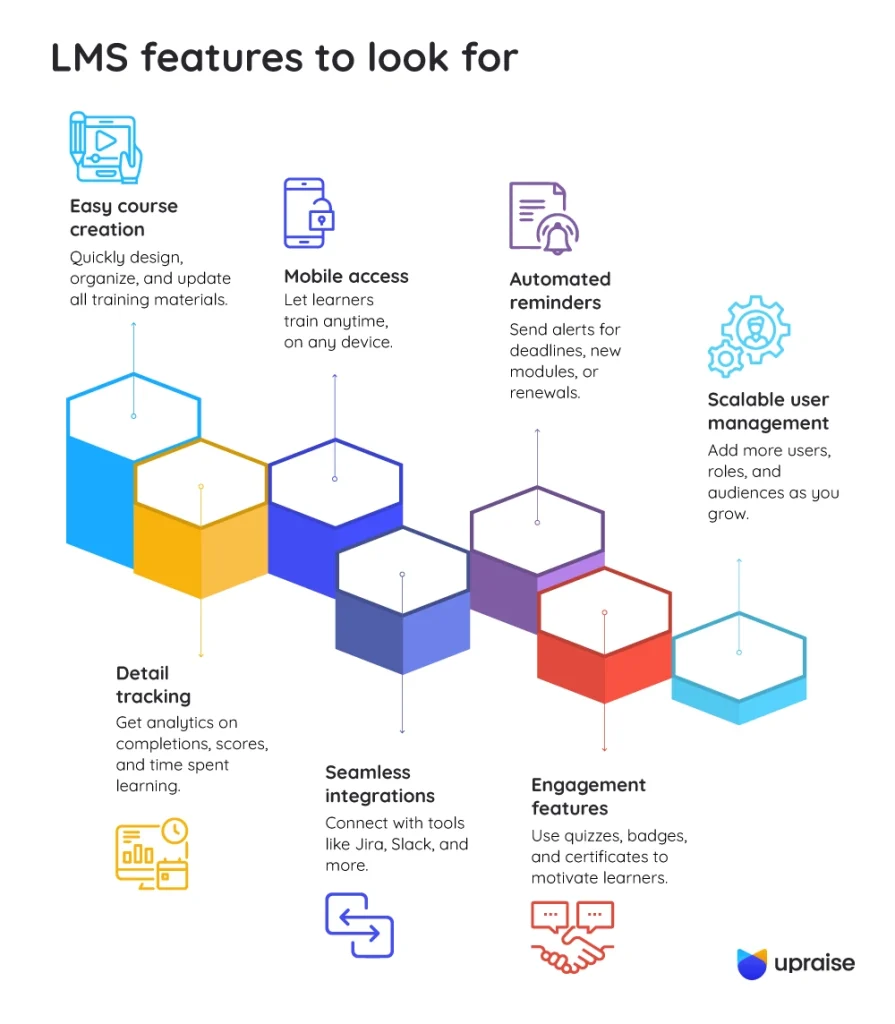
1. Course creation and content management
Your LMS should make it simple to design, organize, and update training material—be it videos, documents, assessments, or interactive modules. A flexible content editor can save hours in maintenance down the line.
2. Advanced progress tracking and reporting
The best LMS solutions provide detailed analytics, allowing you to monitor completion rates, test performance, and time spent on each course. These insights help you evaluate learning outcomes, not just course participation.
3. Mobile compatibility
A mobile-friendly LMS allows learners to access content anytime, from any device, without compromising on functionality.
4. Integrations with existing tools
An LMS should work well with your existing ecosystem — whether it’s project management tools like Jira or communication platforms like Slack.
5. Automated reminders and workflows
Stay on top of deadlines with notifications for incomplete courses, upcoming modules, or certification renewals.
6. Gamification and learner engagement
Elements like quizzes, certificates, gamification, or peer feedback can enhance learner involvement. This works well especially in collaborative and Agile environments.
7. Scalability and role-based access
What is an LMS without user management? As your company grows, your LMS should support more users, custom roles, and different types of audiences such as employees, vendors, and clients.
Conclusion
Olivia’s story isn’t unique, and if you’ve seen scattered onboarding or inconsistent upskilling, you already know how vital structured learning is. Understanding what a learning management system is is a strategic move that directly impacts team performance, employee experience, and long-term growth.
The best LMS for business is one that aligns with your team’s learning habits, integrates smoothly into your workflow, and grows with your needs. It should be able to connect learning outcomes to individual goals, team OKRs, and real-time feedback. So, when someone completes a course, you’re closing a skill gap, aligning that growth to sprint goals, and seeing it reflected in performance reviews.
What makes such tools especially effective is their ability to tie development milestones to performance metrics, helping managers identify who’s ready for more responsibility and who might need additional coaching. That’s intelligent, contextual growth.
Now that you know what an LMS is, it’s time to move from theory to action.
Test a platform. Run a pilot. Start with one sprint. You don’t need a big launch – just a smart first step. Better outcomes will follow naturally.
FAQs
Q. How do you choose the right LMS for your organization’s needs?
Start by defining your learning goals, team structure, and required integrations—then evaluate platforms based on usability, scalability, and reporting capabilities.
Q. What are the most important features to look for in an LMS?
Key features include course management, learner analytics, mobile access, integrations, automation, and support for personalized learning paths.
Q. How does an LMS improve employee development and performance?
An LMS provides structured, trackable learning aligned with goals, helping employees build relevant skills and apply them within their roles more effectively.
Q. What are the benefits of cloud-based LMS platforms for businesses?
They offer easy access, automatic updates, scalability, and lower maintenance—ideal for remote teams and growing organizations.

